# Let Claude Code Draw the Image Itself: The Original Intent and Principles Behind chatgpt-imagegen
> In one sentence: let Claude Code, when it “needs an image,” **draw the image itself**—without a human going into ChatGPT to generate it and paste it back, and without opening a separate `OPENAI_API_KEY` for it.
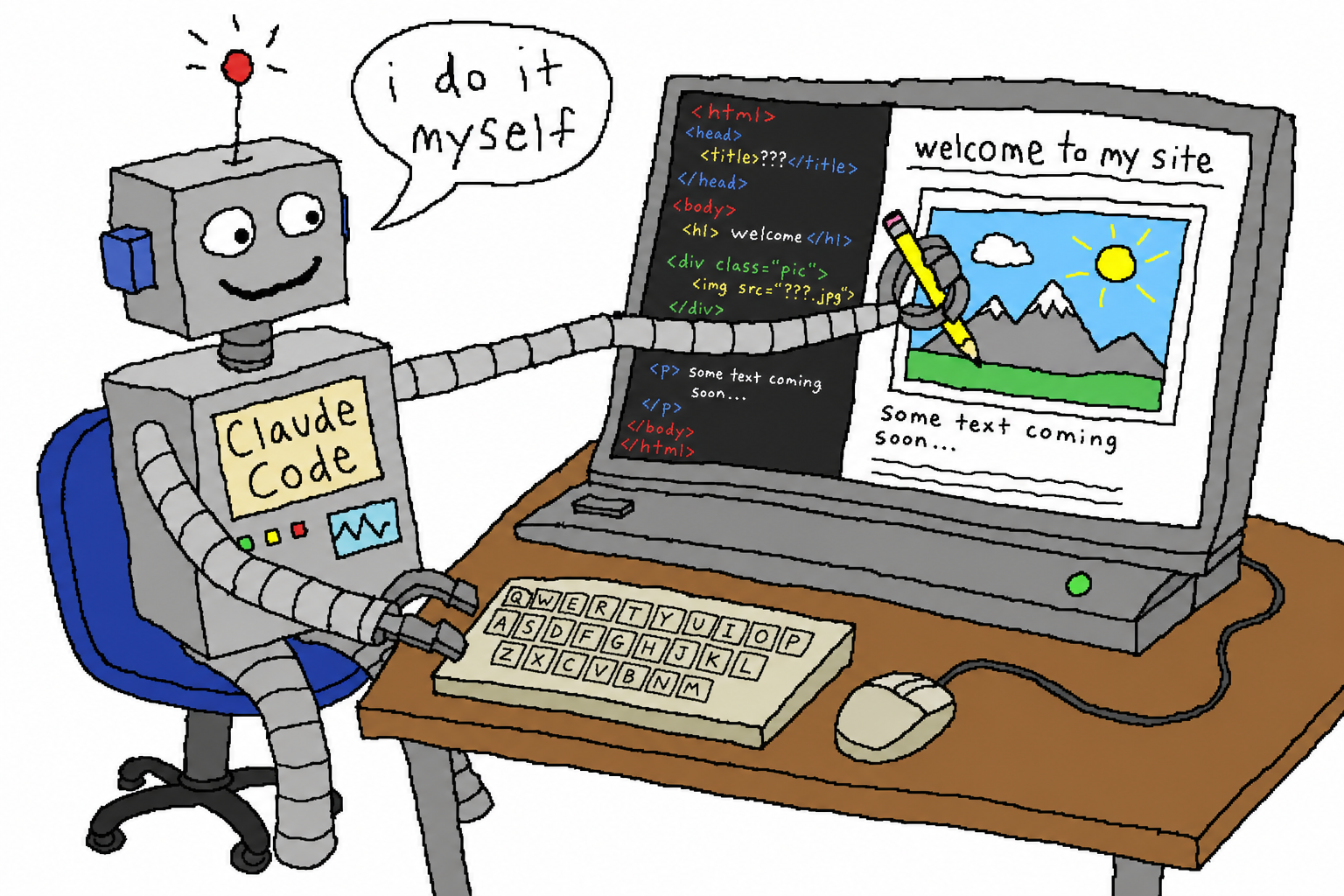
## 1. The Original Intention: Don’t Let the Agent Get Stuck “Waiting for Someone to Draw”
If you want an agent like Claude Code to truly build a project end to end, sooner or later you’ll hit the same wall: **it needs an image.**
A README hero banner, an app placeholder icon, a landing-page illustration, a prototype mockup, a few sprites… it can write the code, but it can’t draw the image. So the workflow breaks here:
- **Either** you give it an `OPENAI_API_KEY` and use the official image API—an extra key, extra billing, extra configuration, and a separate account from your ChatGPT subscription;
- **Or** you open ChatGPT yourself, generate the image, download it, and paste it back into the project—the agent sits there waiting, and the word “autonomous” loses all meaning.
The original intention behind chatgpt-imagegen is to tear down that wall: **when the agent lacks an image, it creates one itself, with zero human handoff.** It uses the ChatGPT subscription you **already have**, with no API key and no gateway service to run.
## 2. One command, and the agent can use it
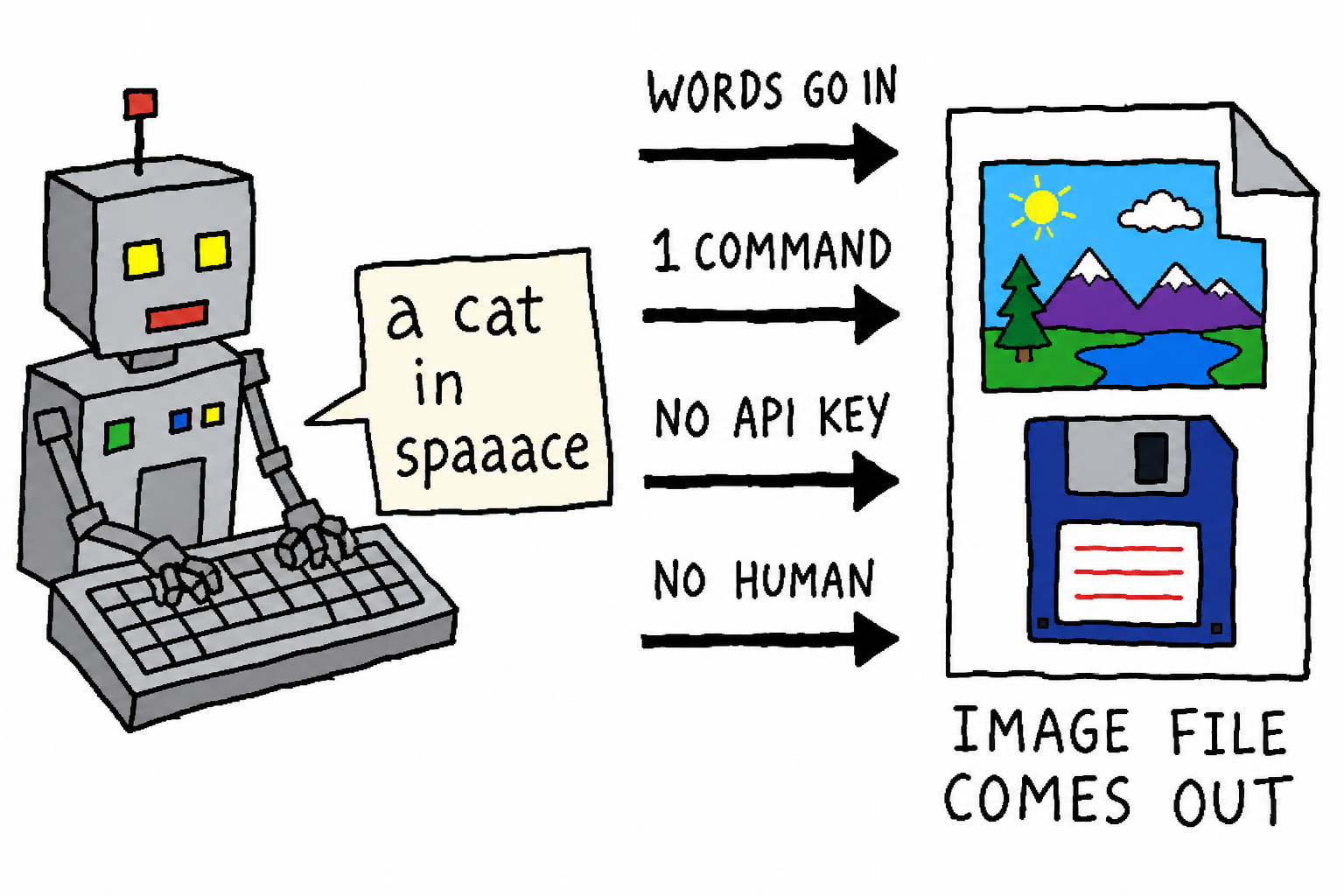
It’s a **single-file, zero-dependency** Python CLI (standard library only). Once installed as a skill, the agent can call it directly:
```bash
chatgpt-imagegen "a watercolor cat sitting on a windowsill" -o assets/cat.png
# -> assets/cat.png (1,344,804 bytes)
```
The agent-optimized details are all there: with `--quiet`, stdout outputs **only** the saved path (so `OUT=$(...)` can take over cleanly), while the progress bar goes to stderr; each backend has a cross-process concurrency lock, so even when the agent does batch fan-out, it won’t blow up the account.
## 3. Core Principle: Two Backends, Two Billing Buckets
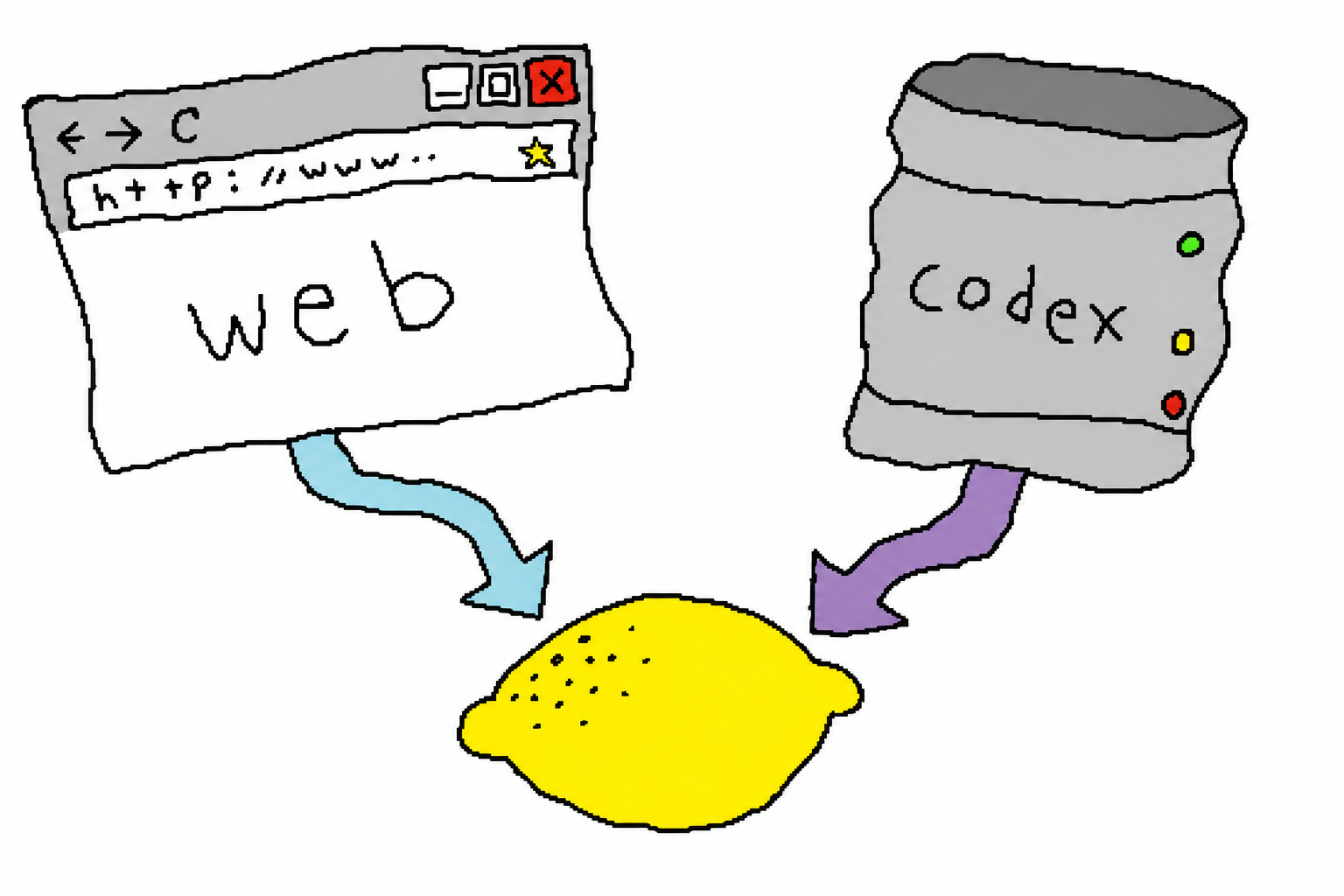
This is the most important design choice in the whole project. A single ChatGPT subscription actually has **two** image-generation entry points, and they spend from **two different quota buckets**:
| Backend | How it generates images | Which quota it spends | Best for |
| --- | --- | --- | --- |
| **`web`** (default) | Uses [`chrome-use`](https://chrome-use.leeguoo.com/en/) to drive your **real, already-logged-in Chrome**, generating images in a normal chat | **Chat quota**; **does not touch** metered Codex usage | Laptops/desktops with a logged-in Chrome open; **free accounts can use it too** |
| **`codex`** | Sends headless POSTs to `backend-api/codex/responses`, reusing `~/.codex/auth.json` | **Codex usage** (the metered bucket, usually the one you want to save) | Servers/headless agent machines without a browser |
The default is `auto`: **try web first** (saving Codex quota), and only fall back to codex when the browser is unavailable (no `chrome-use` installed / not logged in). The strategy is simple: **if we can avoid spending metered quota, we do.**
### Why does the web backend need a real browser?
Intuitively, “generating images in a normal chat” sounds like it should just be a direct POST to some `backend-api/*` endpoint. We actually tried a bare client (only carrying an access token, with no browser credentials), and the result was pretty counterintuitive: the defense is really **three layers**, and the hard wall is not where you might expect:
| Layer | Can bare headless pass? | Notes |
| --- | --- | --- |
| **Cloudflare** `cf_clearance` | **Yes** | In testing, a local bare `urllib` request to `sentinel/chat-requirements` returned 200 directly. CF is based on IP reputation/heuristics, not a hard wall — with a worse IP, you may get challenged |
| **Sentinel PoW** | Yes (can be reproduced offline) | A hashcash-style pure compute puzzle; the `sdk.js` algorithm is known, so you can compute it yourself, though it’s fragile as OpenAI rotates things |
| **Turnstile** | **No** | An interactive Cloudflare anti-bot token; a bare client **cannot fabricate it**, it has to be produced live by a real browser |
So the thing that truly blocks “browserless direct access” is **not Cloudflare, and not PoW, but Turnstile**. Even the idea of “borrow the browser only to fetch this token, then do everything else headlessly” doesn’t work: a Turnstile token is single-use, short-lived, and bound to the specific challenge. In other words, you would need to open a browser for every request, which contradicts the whole idea of “browserless.”
That is the full reason the web backend must drive a **real, logged-in Chrome**, rather than calling the API directly — and why it must use `chrome-use` (a real Chrome connection), not an ordinary headless driver. If you want to avoid opening a browser entirely, the only ready-made path is the `codex` backend — at the cost of Codex quota.
## 4. The image model is genuinely good
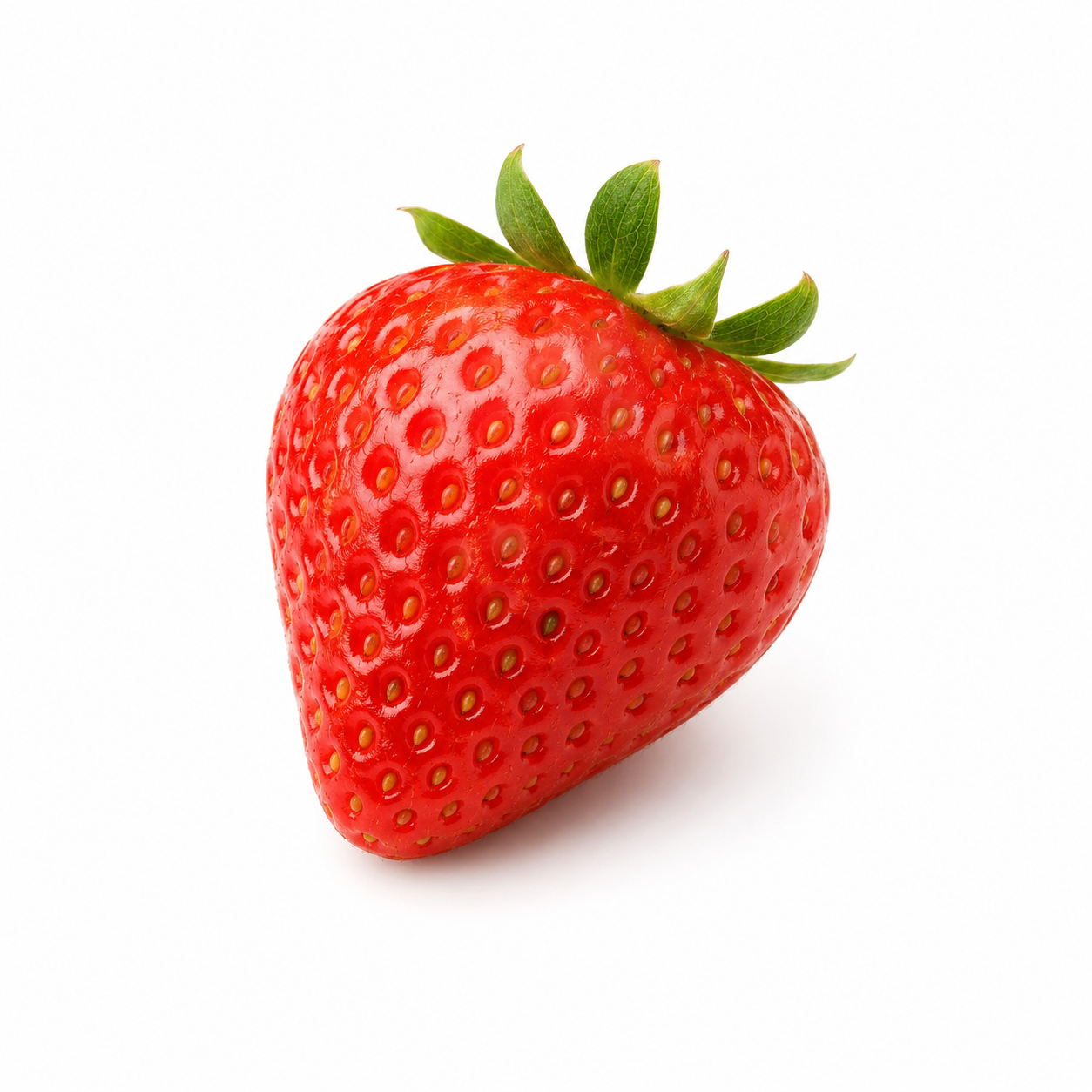
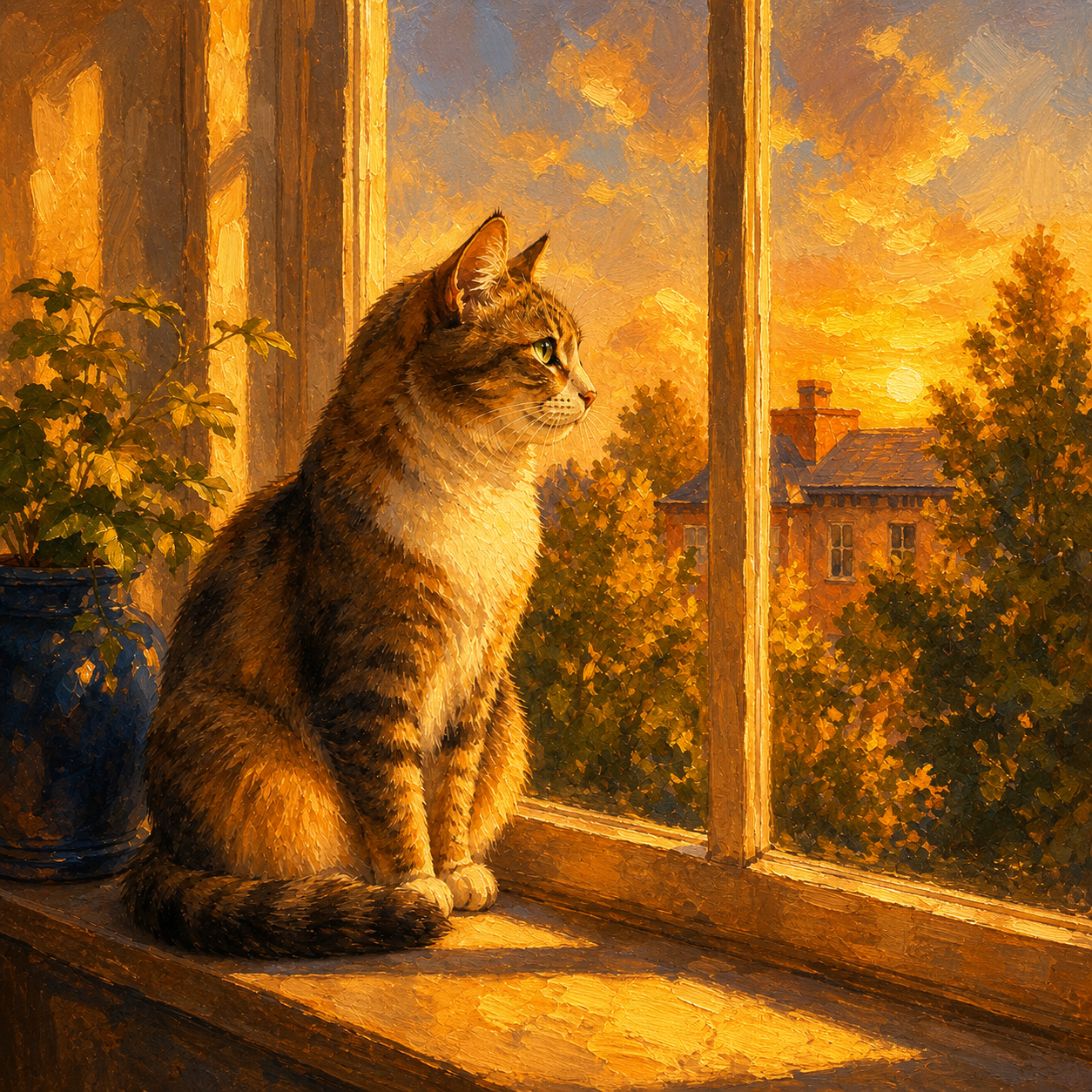
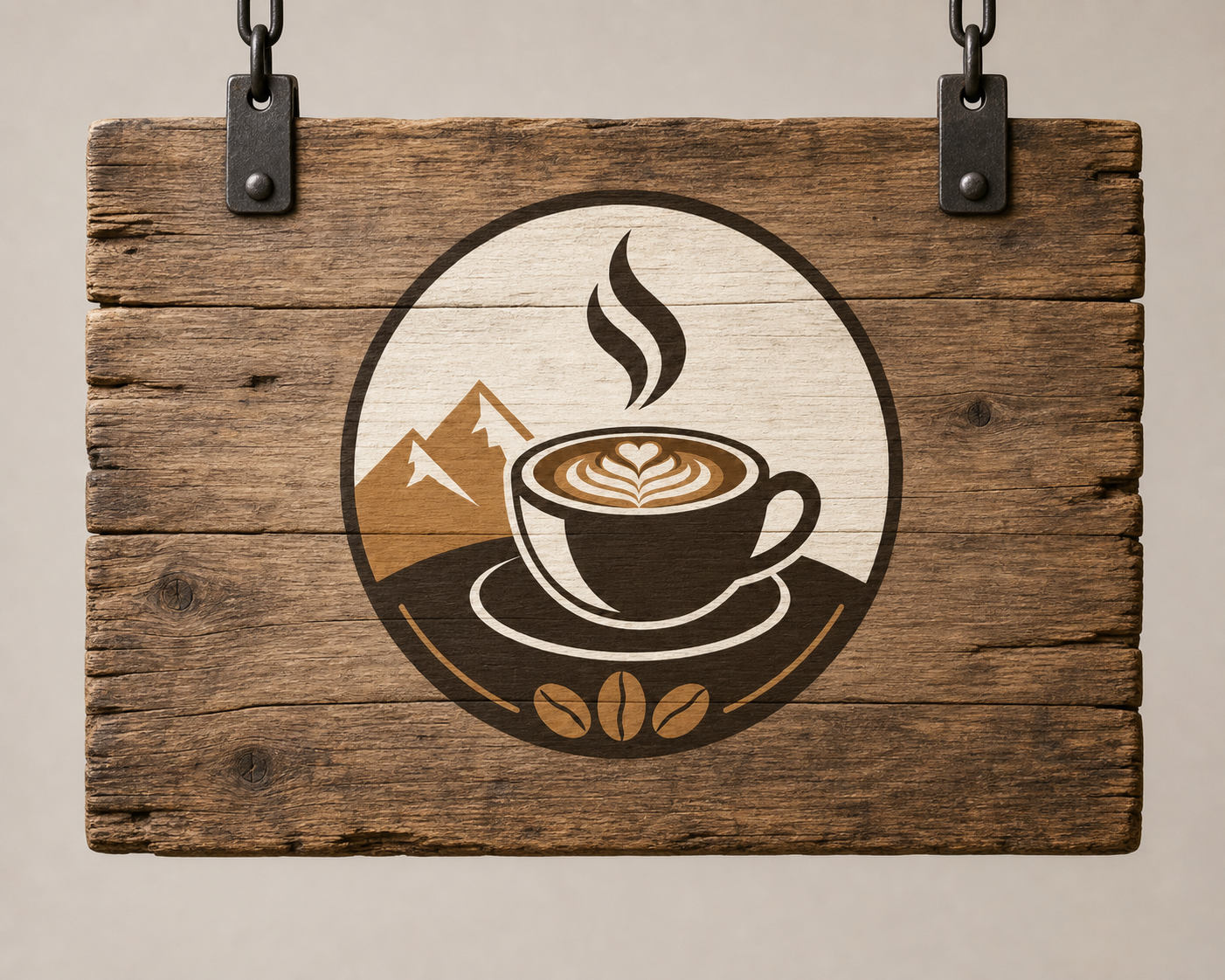
Saving quota does not mean lowering image quality — the web backend uses the same native image generator in the ChatGPT web app, so the result is the same as if you typed the prompt manually in the app. All three images below are **real outputs** from this tool (including both text-to-image and image-to-image):
| Text-to-image | Image-to-image: turn a watercolor cat into a golden oil painting | Image-to-image: put a logo on a wooden sign |
| --- | --- | --- |
|  |  |  |
## 5. Image-to-Image: Give It a Reference Image
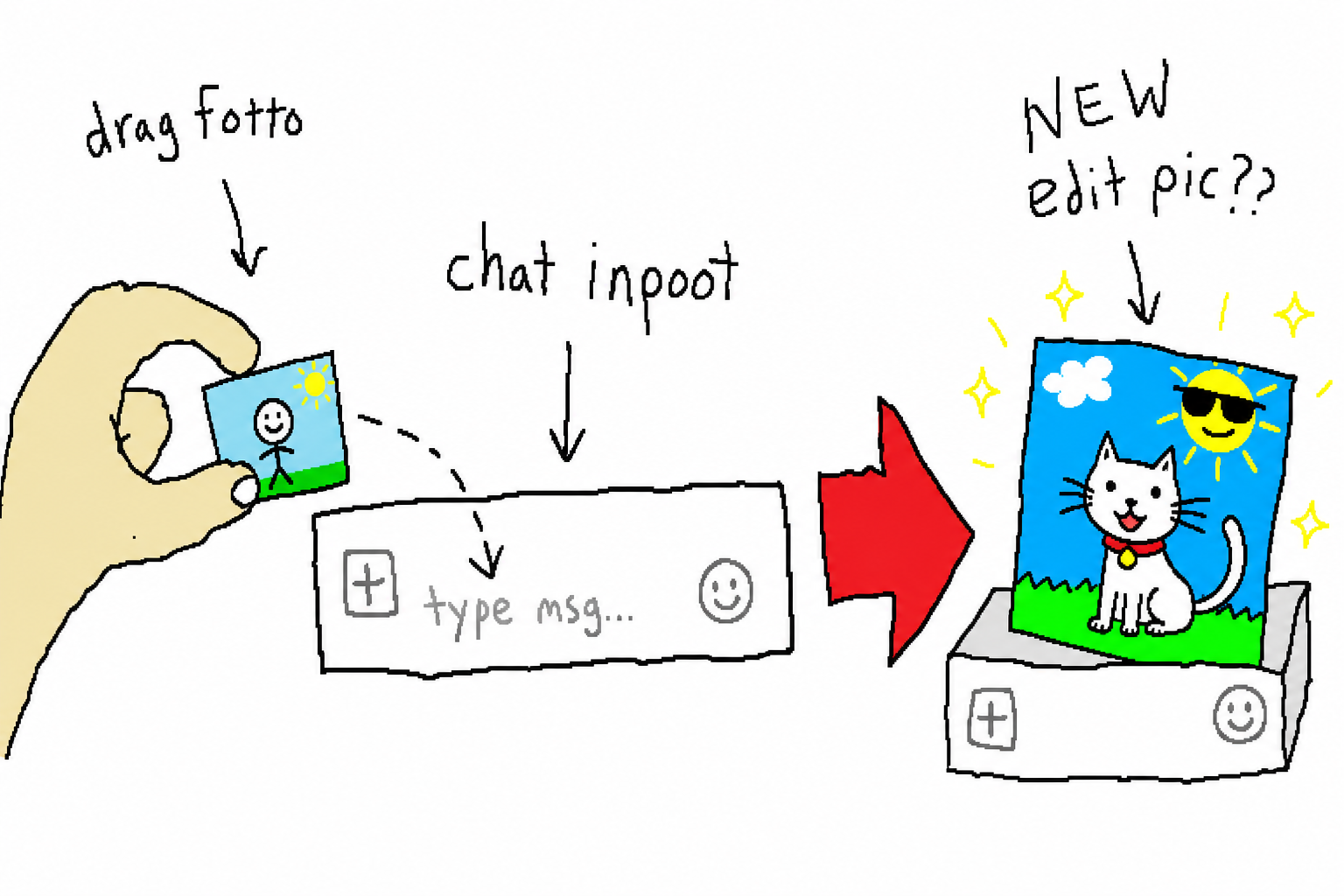
Upload a reference image (`-i`), and it will **edit the image** instead of drawing from scratch—just like dragging an image into the ChatGPT input box and asking it to redraw it. The two backends each implement this differently:
- **web**: injects the reference image into the composer’s standard `` via `chrome-use upload`, then sends the edit instruction—**zero site-specific adaptation**, and no Codex quota consumed;
- **codex**: inserts the reference image into the request as an `input_image` content block, forcibly triggering the image tool.
```bash
# Turn a logo into a cyberpunk neon sign
chatgpt-imagegen "Turn it into a cyberpunk neon sign" -i logo.png -o neon.png
```
### An Interesting Implementation Pitfall: How to Recognize “the Generated Image”
The web backend drives a real page, so it has to **identify the generated image from the DOM**. There are three counterintuitive points here:
1. Images in the new ChatGPT use `backend-api/estuary/content`, no longer the old `oaiusercontent`;
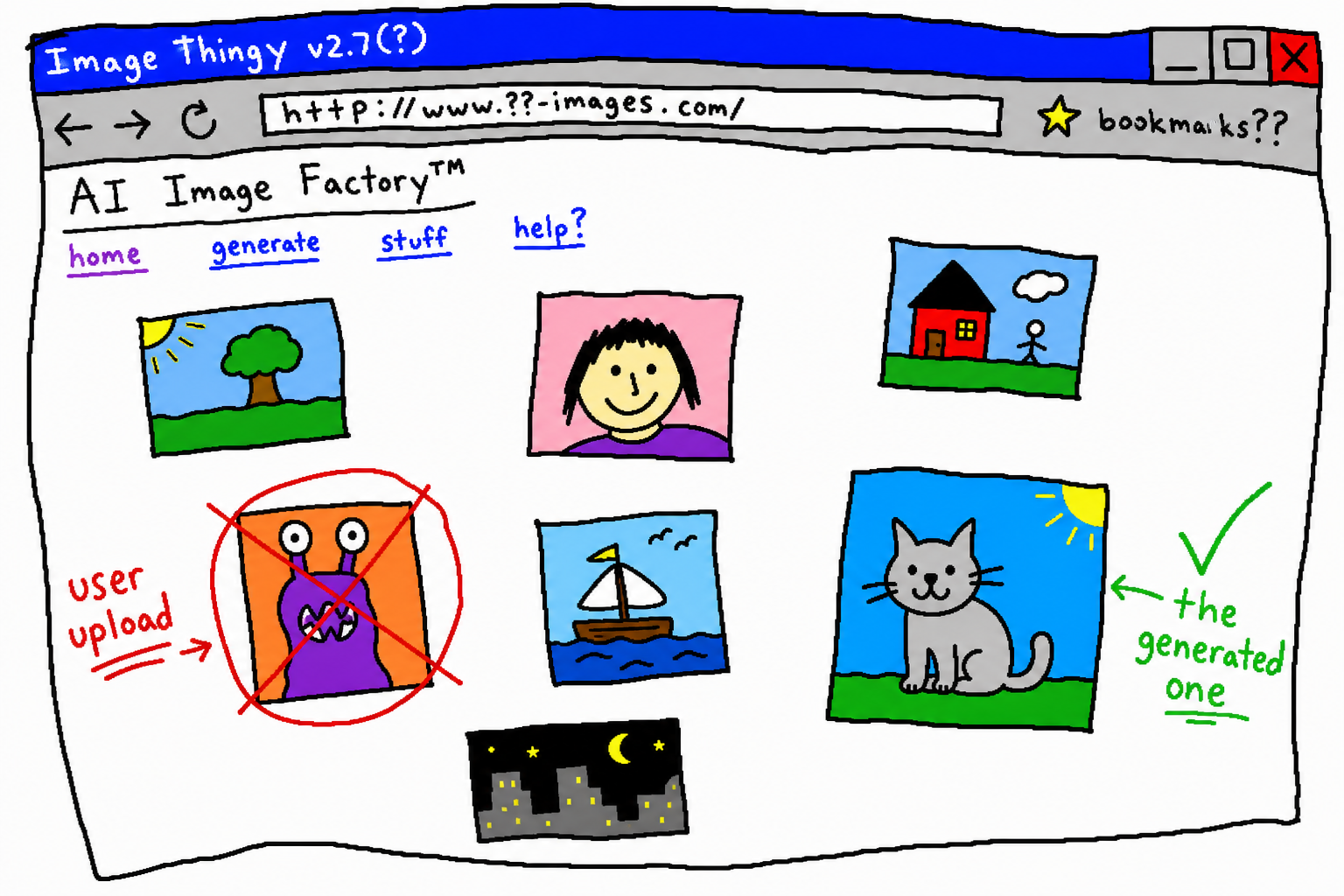
2. In image-to-image mode, the **reference image you uploaded is echoed back in the user bubble with a brand-new `src`**—if you’re not careful, you’ll grab “the original image you uploaded yourself” as the result;
3. The generated image is an **independent image card**, not wrapped inside an assistant message element.
So the correct determination is: **look inside `` for new images matching the image-hosting domain, but exclude any images belonging to the user bubble.**
## 6. Design Thinking Built for Agents
Connect these principles together, and you get the design direction of this project:
- **Single file, zero dependencies, pure standard library** — an agent can pull it over and run it immediately, with no `pip install`, no virtual environment, and no resident process;
- **Installable as a skill** — `npx skills add leeguooooo/chatgpt-imagegen -g`, so Claude Code / Codex / Cursor and others can invoke it directly;
- **Cost-saving by default** — auto mode prefers the unmetered web path; use codex only when you really need speed or are on a headless machine;
- **Results land in the workspace** — what the agent receives is a saved file path, ready to go directly into the repo;
- **Conversations are archived automatically** — the web backend files every image-generation conversation into a ChatGPT Project (default: `imagegen`), so it doesn’t clutter your history.
In one sentence: it is not an image tool for humans with a CLI bolted on; it is **designed from the start for “agents creating the resources they lack by themselves.”**
## 7. Getting Started
```bash
# As a skill (recommended, for agents)
npx skills add leeguooooo/chatgpt-imagegen -g
# Or as a standalone CLI (zero dependencies, single file)
git clone https://github.com/leeguooooo/chatgpt-imagegen
```
Then just tell your agent, “draw a hero image for the README” — it will handle the rest on its own.
Tool repository: [chatgpt-imagegen](https://github.com/leeguooooo/chatgpt-imagegen) | Browser automation engine behind it: [chrome-use](https://chrome-use.leeguoo.com/en/).
> Side note: the **intentionally rough** doodle-style diagrams in this article, and the **good-looking** example images above, were all generated by this tool itself. The roughness is the explanatory style; the polish is what it can really do — and that contrast is the best demo of all.