
Connecting an AI agent to a browser usually starts smoothly: open a page, read the content, fill in a search box. What really brings things to a halt are the kinds of forms hidden inside cross-origin iframes—Google Payments payout profiles, checkout components, KYC widgets. The agent can read the text inside them, and it can fill in values, but it just cannot click that “Save” button. It can see the thing, but it cannot get the job done.
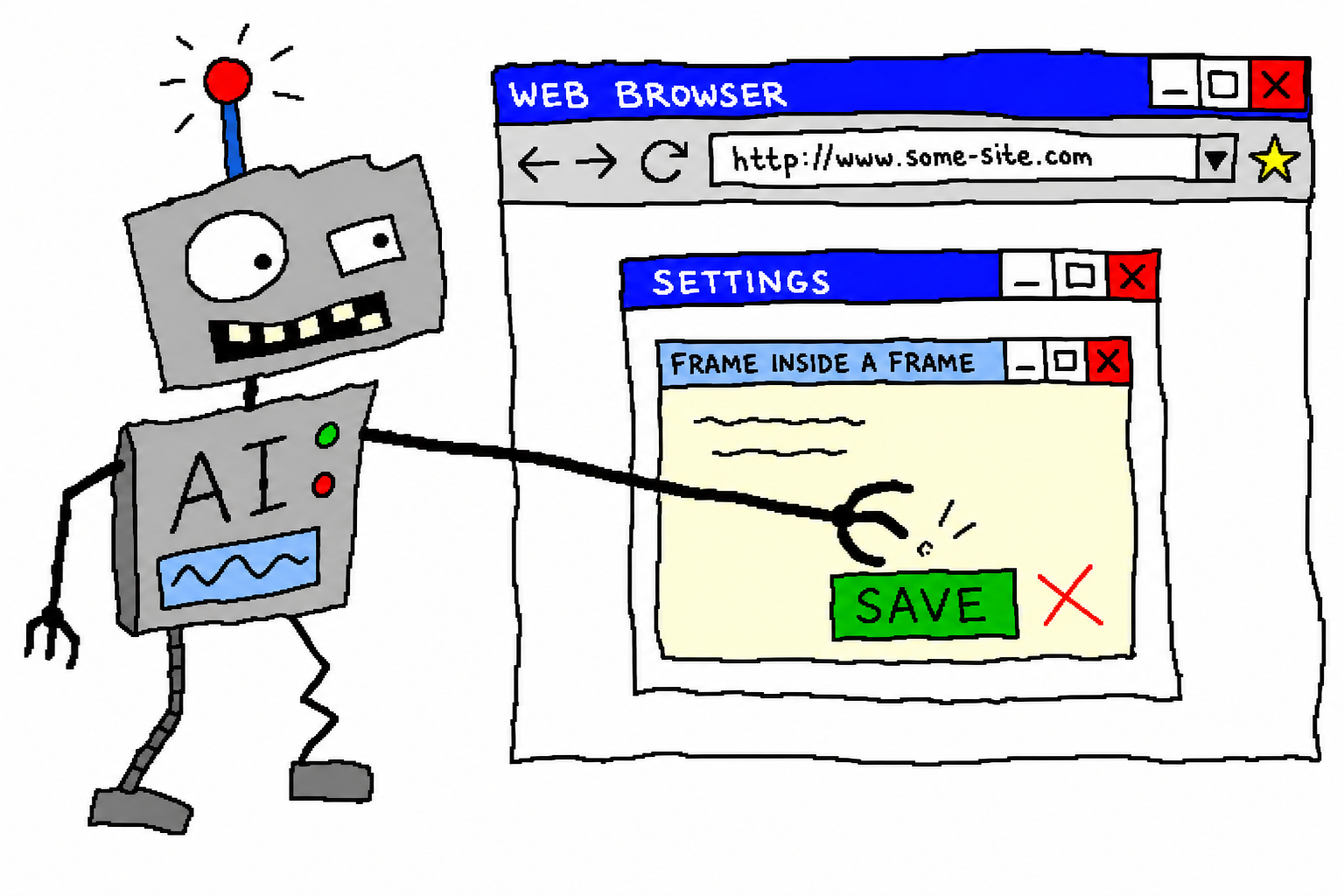
This is a record of getting past that hurdle. The protagonist is chrome-use—a browser automation CLI for agents, written in Rust. It directly drives the Chrome where you are actually logged in, without Playwright and without headless mode.
Project homepage: https://chrome-use.leeguoo.com/
Why Cross-Origin iframes Are So Hard
Regular pages are easy enough: grab the accessibility tree, get element references, click, and you are done. But a cross-origin iframe—for example, an adsense.google.com page embedding a payments.google.com iframe—hits three problems at once:
- Selectors cannot get in. Under the same-origin policy, CSS selectors and
evalrunning in the outer document cannot touch the DOM inside the iframe.document.querySelectoris blind here. - Scrolling misses the target. You think you are scrolling the page, but the thing that needs scrolling is the scroll container inside the iframe. Wheel events are sent to the outer document, while the inside stays completely still—the target row remains “off screen” forever, not even visible.
- You are left blindly clicking coordinates. The first two problems force you back to “screenshot + guess pixel coordinates,” which is the least precise approach and the easiest way to click the neighboring field by mistake. On a form that changes global payment profile information, a wrong click is not cheap.
The Foundation of chrome-use: Agents Get “References,” Not HTML
Before explaining the fix, it is worth explaining the foundation—this is also the fundamental difference between chrome-use and the approach of “feeding HTML to the model.”
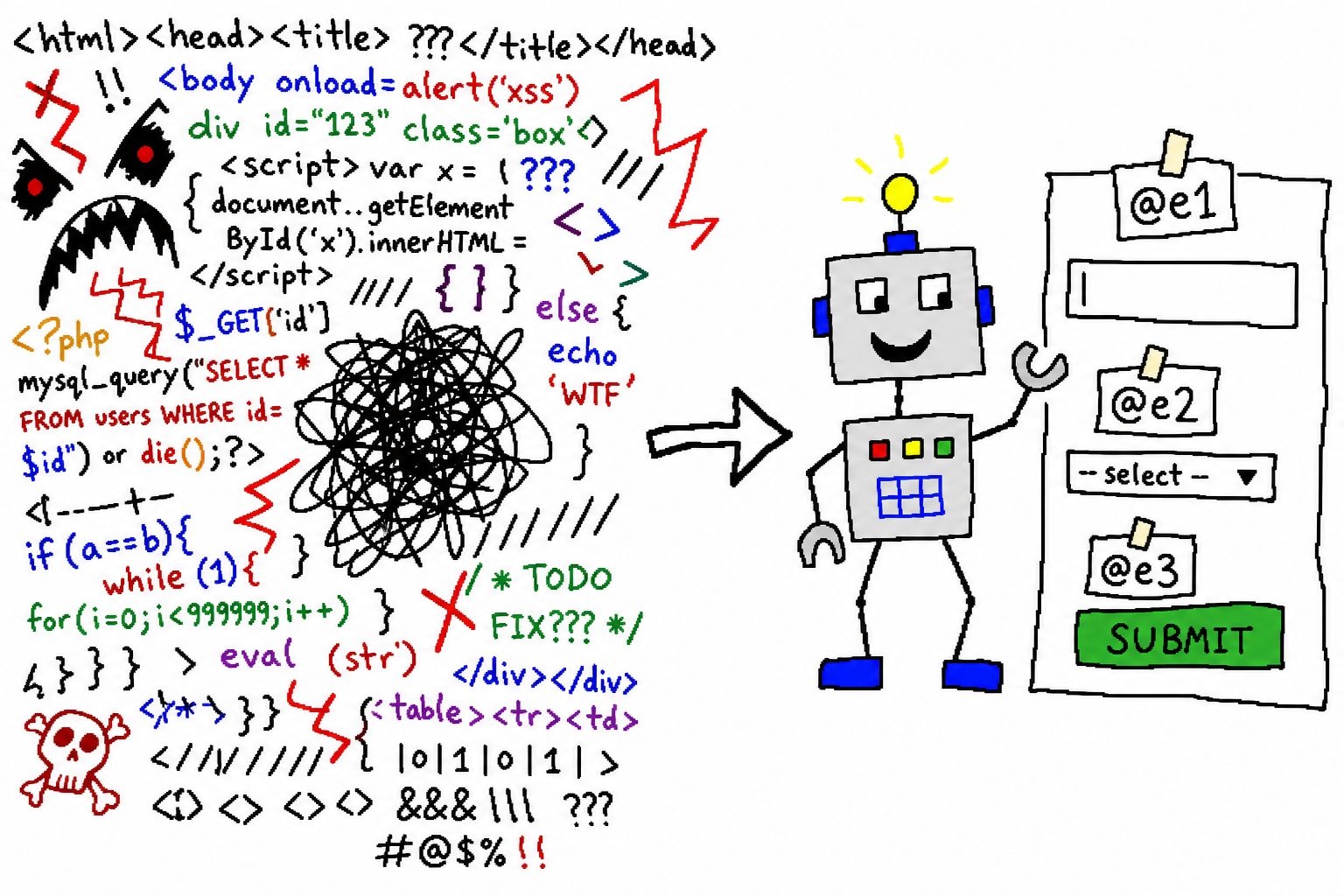
chrome-use does not dump page source into the agent. Instead, it captures an accessibility tree snapshot, and assigns each interactive element a compact reference:
- textbox "Email" [ref=e2]
- listbox "Country/Region" [ref=e60]
- button "Save" [ref=e41]
The agent acts directly on references: fill @e2 "...", click @e41. A page takes roughly 200–400 tokens, instead of an entire screen of DOM noise. This reference mechanism is exactly what makes iframe penetration possible later—as long as the snapshot can “see” the nodes inside the iframe, references can be obtained.
Three Hurdles, One by One
First hurdle: make the snapshot see what is inside the iframe.
The accessibility tree needs to penetrate the cross-origin iframe and include the nodes inside it with references. After fixing that, snapshot lists them directly:
- textbox "Phone number (optional)" [ref=e59]
- listbox "Country/region code: Japan (+81)" [ref=e60]
Where selectors cannot enter, references can.
Second hurdle: make scrolling act on the iframe’s scroll container. Instead of firing wheel events indiscriminately at the outer document, scroll the container that actually needs to scroll. Only then can the form rows below finally come into view, and only then can their references be obtained.
Third hurdle, the hardest one: the “enabled” submit button inside the cross-origin iframe does nothing when clicked. This stage is the most maddening because everything looks right:
- The number is entered with real keystrokes, and
get valueconfirms it is really there; - The “Save” button lights up when it should—it is disabled before a valid value is entered, then appears after filling;
- Then
click @e41—and the form does not move at all.find text "Save"? Cross-origin access cannot retrieve it. Focus it and press Enter or Space? Still no response.
It matches, and yet nothing matches. The root cause is that those Material/framework buttons inside cross-origin iframes do not accept synthetic clicks; also, fill only changed the input value without dispatching the input/change events the framework expects. The form thinks “nothing changed,” so the save button is either disabled or clicking it amounts to nothing.
The fix has two halves: value entry switches to real keystrokes so every character triggers real events the framework recognizes; clicking dispatches a set of real mouse/keyboard activations against the content node inside the iframe, rather than smearing a click() over it.
The End: Click In, Save It
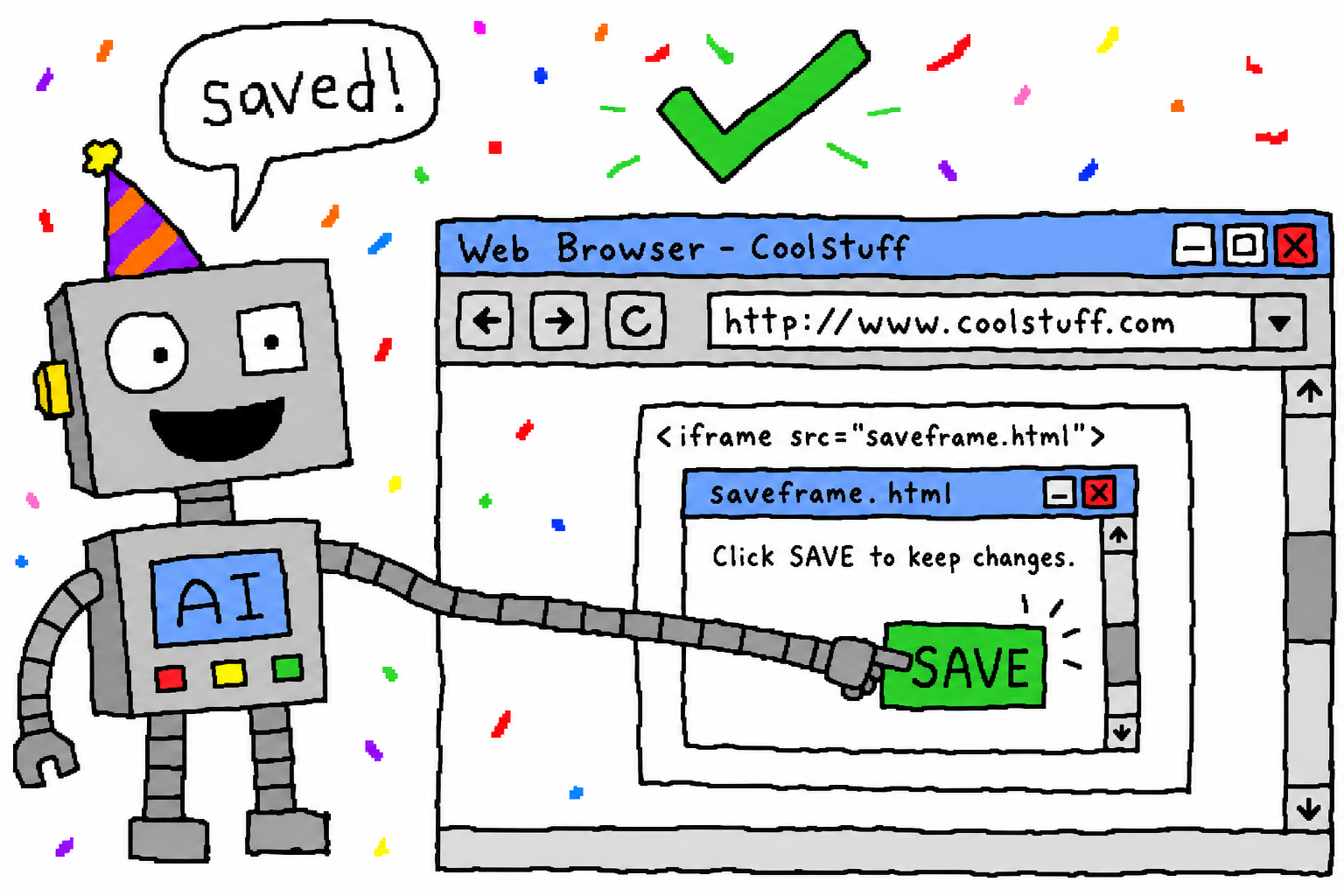
Once all three hurdles are cleared, the whole chain works: open → scroll to the target row → get references from the snapshot → fill with real keystrokes → press save. That deadlock of “can read, but cannot complete the task” ends here.
A Few Hard-Won Lessons for Others Building Agent Browser Automation
- Prefer accessibility references; do not default to screenshot coordinate clicks. Once the snapshot can see the iframe, references are always more stable than guessing pixels. Keep screenshots for truly structureless cases like canvas/WebGL.
- Cross-origin iframes are a clear boundary. Selectors and
evalstop there. Either your tool penetrates the accessibility tree, or you are left with blind clicks. - Test whether it can submit, not just whether it can fill. A value being present does not mean the framework received it. Pitfalls like
fillnot dispatching events only surface when you actually click save. - If you can use a real logged-in browser, do not use headless. Login state, cookies, and extensions are all already there, and there is no automation fingerprint. This is also why chrome-use takes the path of “driving your own Chrome.”
Try It
curl -fsSL https://raw.githubusercontent.com/leeguooooo/chrome-use/main/install.sh | sh
The repository is at github.com/leeguooooo/chrome-use. I have been building tools like this for “using your own subscriptions and connecting agents to real browsers/devices,” and I post progress on X @leeguooooo.
Related docs: chrome-use · Forms & Clicking, install.
 WeChat Pay
 Alipay
Comments
Replies are public immediately and may be moderated for policy violations.